Brow Brush Logo Orders: Prevent Version Mix-Ups
Small branded brow tools can look nearly identical across markets and collections. A clear version system helps keep the right logo and tool together.
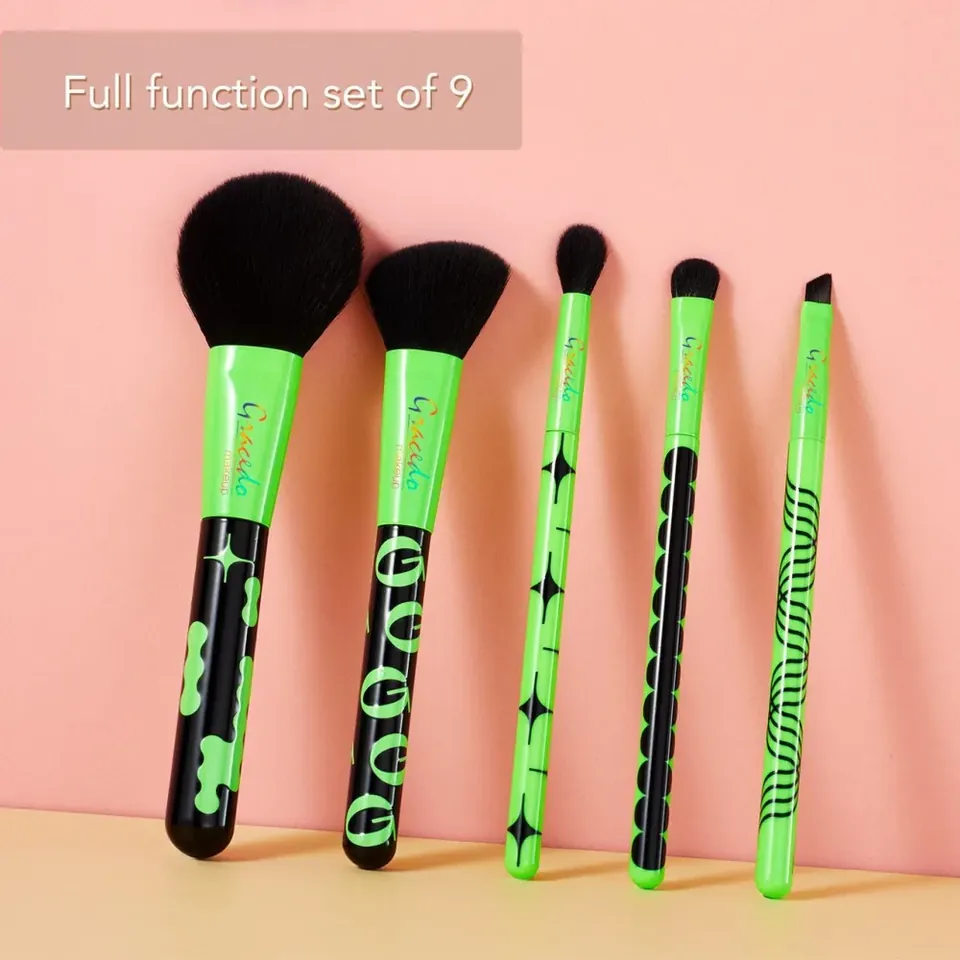
Small branded brow tools can look nearly identical across markets and collections. A clear version system helps keep the right logo and tool together.
Define the base tool separately
Approve head geometry, fiber declaration, handle and ferrule before adding multiple logo versions. State which features remain identical across the order. This prevents a branding request from quietly becoming a construction change, and it gives inspectors a stable product reference while checking decoration differences.
Assign identifiers to artwork variants
Use a unique code for each logo, language or color combination. Record the artwork file and mark position in the order sheet. Ask how packing staff distinguish versions when the tools are stored together. A carton label should identify the variant rather than use a broad description such as custom brow brush.
Approve the final packed examples
Review at least one complete sample of each version where practical. Check logo clarity, orientation and the matching insert or carton. Confirm how later reorders refer to that version and who can authorize updated artwork. Keeping obsolete files separate reduces the risk of a correct brush arriving with last season’s mark or the wrong language.
Before approving the order
- Freeze the common working specification.
- Code each artwork variant clearly.
- Check the packed tool against its version record.
Our guides use documented product information and editorial research. Hands-on testing is stated only where it has actually been performed. How we work
You may also find useful
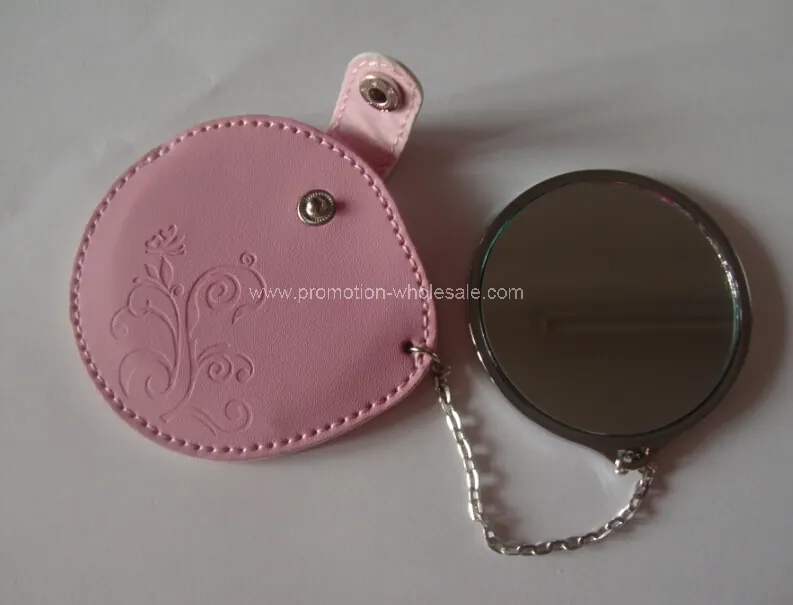
New Leather Pocket Cosmetic Mirror: a buyer’s assessment
An editorial assessment of New Leather Pocket Cosmetic Mirror, with practical questions about specifications, customisation and project fit.
Multifunctional Folding Comb with Mirror: a buyer’s assessment
An editorial assessment of Multifunctional Folding Comb with Mirror, with practical questions about specifications, customisation and project fit.
Custom Brush MOQs: Ask Which Choice Sets the Minimum
Understand quotation assumptions at component and variant level before committing to a custom brush order.
Use Supplier Design Support to Resolve Brush Tradeoffs
Technical support is most valuable when it helps a buyer decide between specific alternatives. A broad request for an innovative brush gives little direction.
Comments
No comments yet. Add a useful question or share your perspective.