OEM Brush Set Approval: Check the Weakest-Documented Piece
Review every component in an OEM set so coordinated appearance does not obscure unanswered product questions.
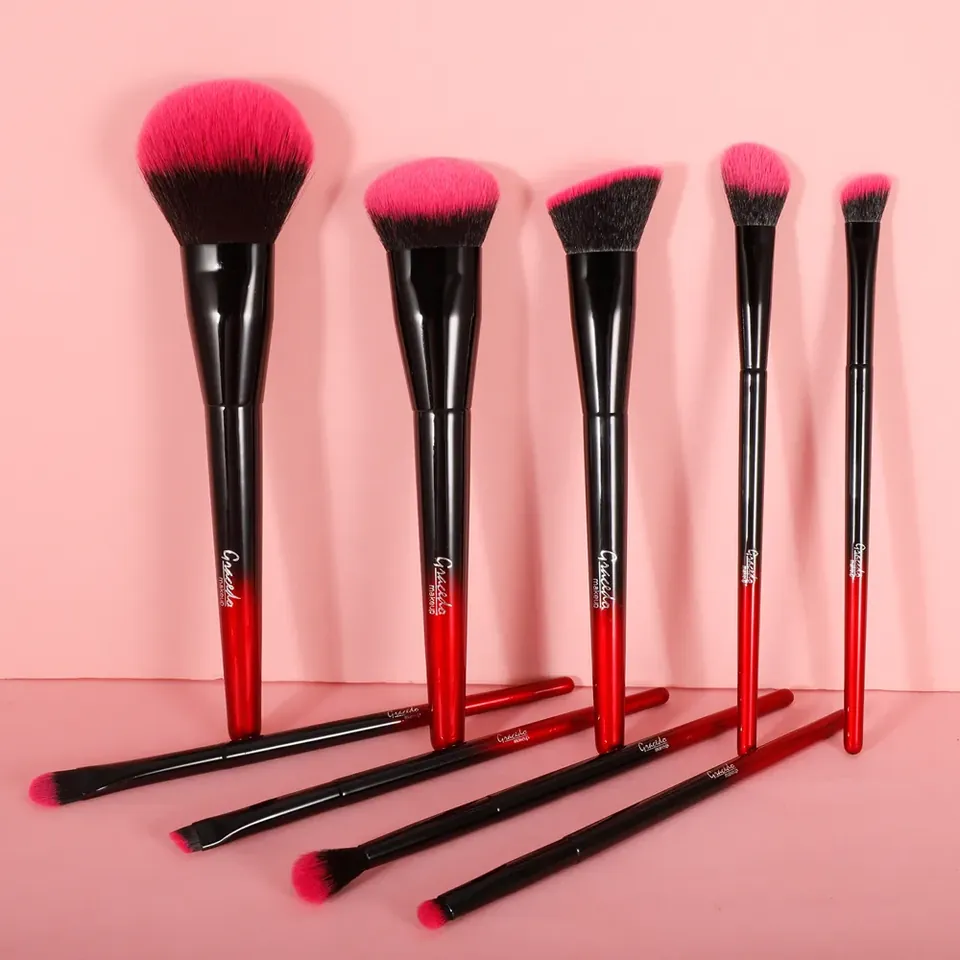
Audit the component information
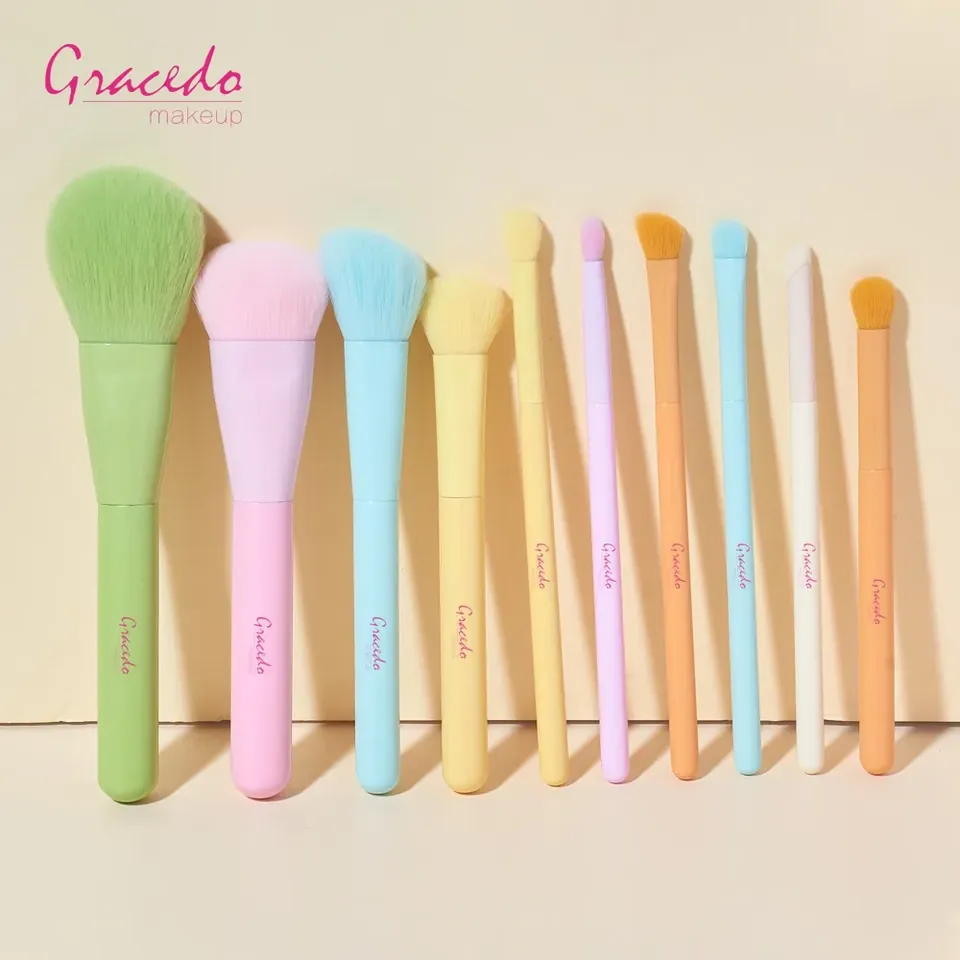
Create a list of all brushes and accessories in the proposed set. Check that each has a model reference, intended role and relevant description. Some pieces may be well documented while others appear only in a group photograph. Ask for the missing information before treating the complete assortment as ready for approval. A matching color system is not a shared functional specification.
Give each item a clear review status
Mark the pieces as selected, awaiting clarification or requiring another sample. Keep observations attached to the item and version reviewed. Ask for care guidance that covers the actual constructions in the set. If a supplier proposes replacing one component, review that change directly rather than allowing it to disappear inside a general statement that the set remains equivalent.
Approve the finished combination
Review all selected pieces in the final case or tray with labels and instructions. Confirm the count of working tools separately from storage accessories. Keep the packed layout, artwork and sample references together. An OEM set becomes easier to manage when the team can explain the status of every included item, not only the pieces that received the most attention during development.
Buyer checklist
- Check documentation for every component.
- Record approval status piece by piece.
- Review the complete packed combination.
Our guides use documented product information and editorial research. Hands-on testing is stated only where it has actually been performed. How we work
You may also find useful
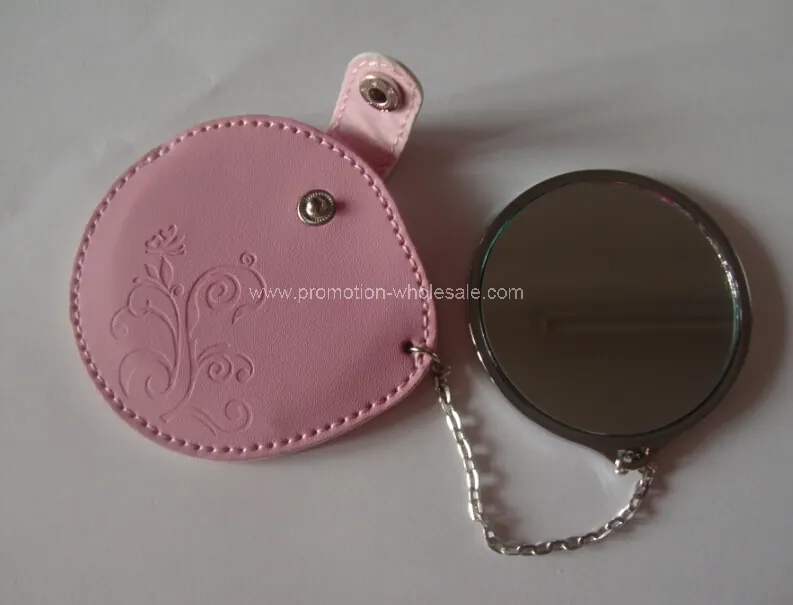
New Leather Pocket Cosmetic Mirror: a buyer’s assessment
An editorial assessment of New Leather Pocket Cosmetic Mirror, with practical questions about specifications, customisation and project fit.
Multifunctional Folding Comb with Mirror: a buyer’s assessment
An editorial assessment of Multifunctional Folding Comb with Mirror, with practical questions about specifications, customisation and project fit.
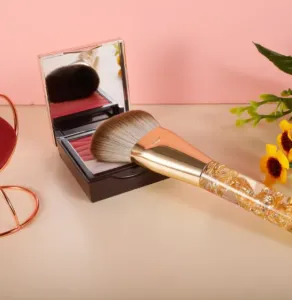
Custom Brush MOQs: Ask Which Choice Sets the Minimum
Understand quotation assumptions at component and variant level before committing to a custom brush order.
Use Supplier Design Support to Resolve Brush Tradeoffs
Technical support is most valuable when it helps a buyer decide between specific alternatives. A broad request for an innovative brush gives little direction.
Comments
No comments yet. Add a useful question or share your perspective.