Choosing 60 Hz or 120 Hz: start with your source
Match the television's supported signal to the content and equipment you actually use.
Hertz describes how often a screen refreshes in one second. A 120 Hz label does not mean every film or game supplies 120 different frames. Write down your player or console, the resolution you use and the frame rates you intend to send.
Check the television's supported modes, the relevant input and any receiver between the source and screen. Treat motion-processing names separately from the signal specification. When comparing displays, use the same short sports clip or game sequence and keep picture settings consistent.
A useful shortlist records the exact model, desired signal mode and one unresolved question for the seller. This is a buying workflow, without our own laboratory scores or a promise that one refresh-rate label suits every viewer.
Our guides use documented product information and editorial research. Hands-on testing is stated only where it has actually been performed. How we work
You may also find useful
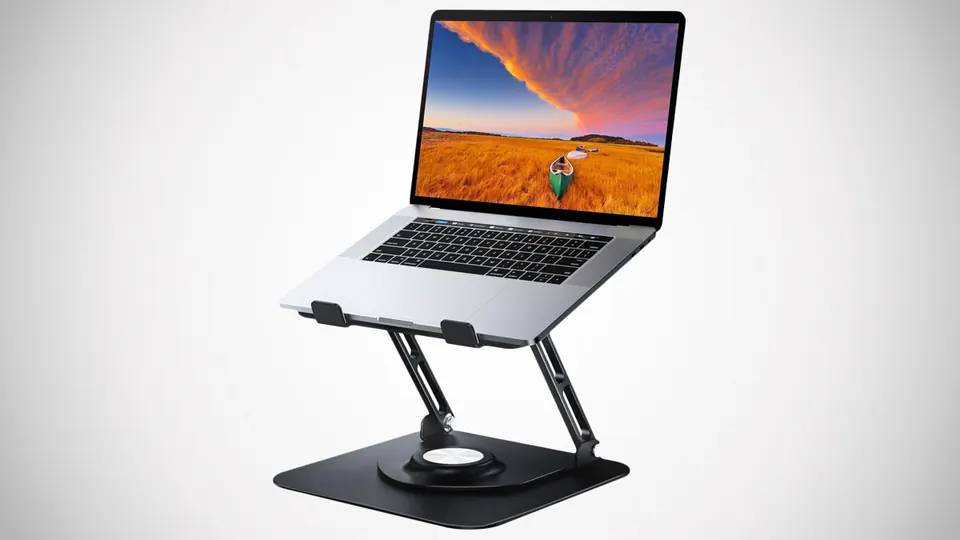
Build a better desk without adding more clutter
Choose desk accessories around the work you actually do, the devices you own and the space you can comfortably use.
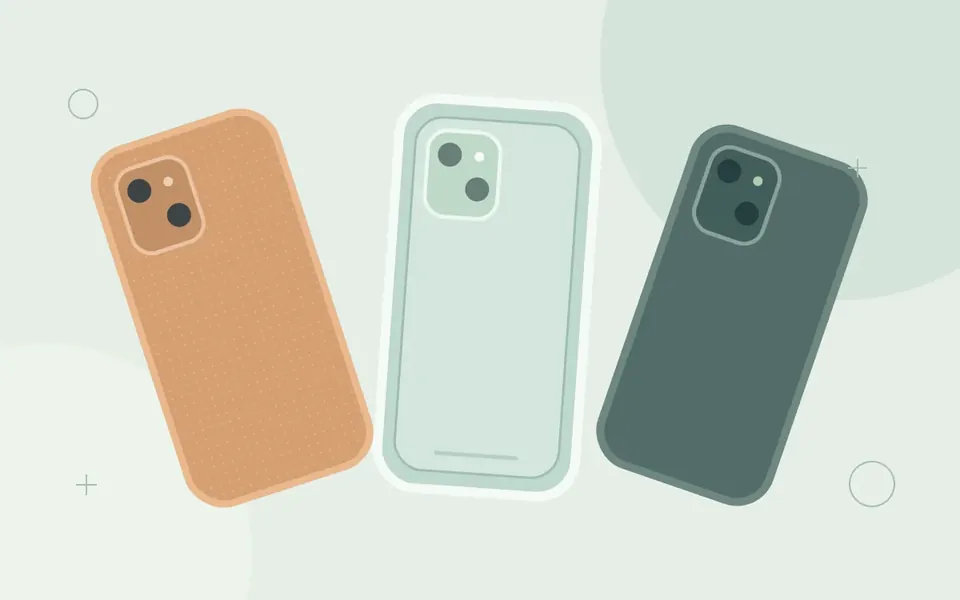
Choosing a phone case: material, fit and everyday use
A practical guide to comparing case construction, checking exact device fit and writing a useful inquiry before choosing a case.

Custom phone case artwork: a checklist before requesting a quote
Prepare a clear print brief with device variants, artwork placement, color expectations and approval steps for a custom case inquiry.
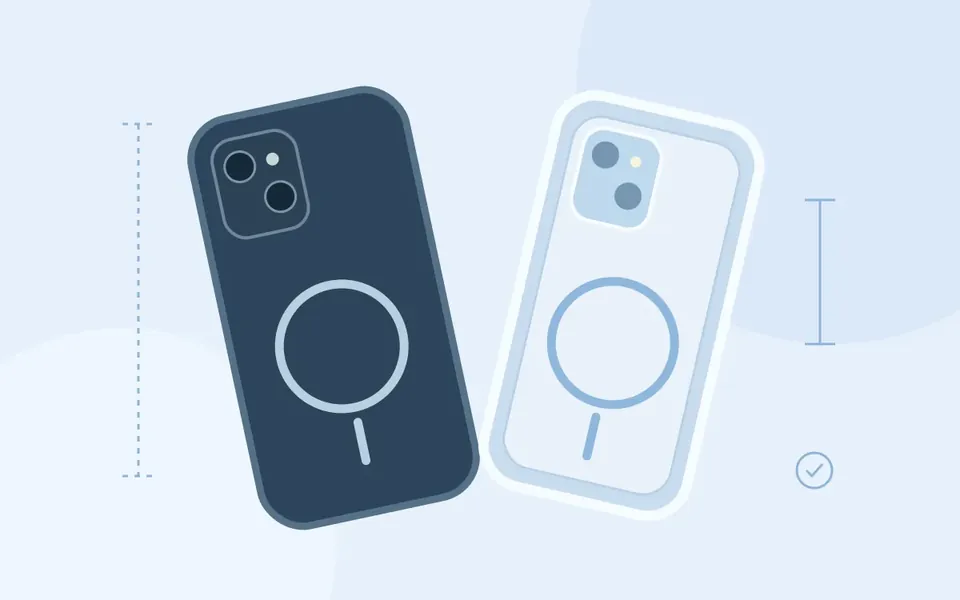
Magnetic phone cases: a specification-based compatibility review
Assess magnetic case claims by separating attachment, wireless charging support and the specifications of the complete charging setup.
Comments
No comments yet. Add a useful question or share your perspective.