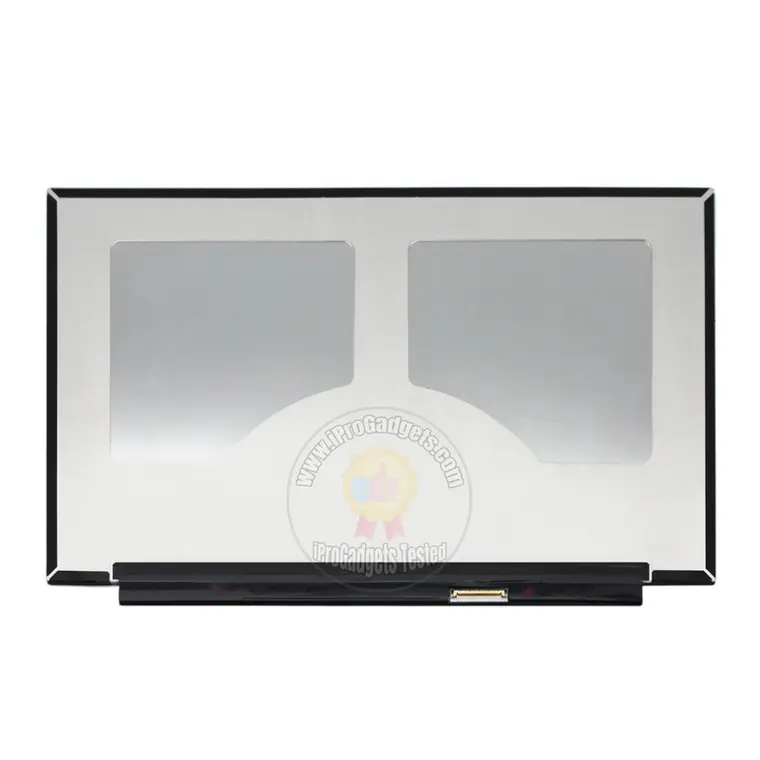
Replacement LCD Screen Display For B140QAN02.2 14.0 inch WQHD Glossy 300nit Panel
Replacement LCD Screen Display For B140QAN02.2 14.0 inch WQHD Glossy 300nit Panel. Panel code — this listing: B140QAN02.2. Read the code printed on the label on the back of the screen you are removing and compare the suffix: .2 is this glossy 300 cd/m² panel; Screen size: 14.0 inches diagonal (35.6 cm), 16:9; Resolution: 2560 x 1440 px (WQHD), 210 PPI.
- Model
- B140QAN02.2 14.0 inch WQHD Glossy 300nit Panel
- Information
- Published product details
Send a question about this product. Current availability, pricing, and specifications require confirmation.
About this product
Replacement LCD Screen Display For B140QAN02.2 14.0 inch WQHD Glossy 300nit Panel.
Product details
- Panel code — this listing
- B140QAN02.2. Read the code printed on the label on the back of the screen you are removing and compare the suffix: .2 is this glossy 300 cd/m² panel
- Screen size
- 14.0 inches diagonal (35.6 cm), 16:9
- Resolution
- 2560 x 1440 px (WQHD), 210 PPI
- Refresh rate
- 60 Hz
- Surface finish
- Glossy (Haze 0%) with a 3H hard coating. If the front of the screen you are removing is matte, you need the anti-glare suffix instead — the two are not the same finish even though the frame is identical
- Touch
- No — this is the non-touch panel supplied on its own, with no touch layer and no digitizer glass. If the screen you are removing responds to your finger, you need the touch assembly instead and this panel is not it
- Signal interface
- eDP, 4 lanes, 40-pin connector, HBR1 (2.7 Gbit/s per lane), eDP1.4, 3.3 V — the plug is about 25 mm across with 0.5 mm contact pitch
- Connector position
- Bottom right, viewed from the back of the panel
- Device
- Model numbers / part codes
- Panel code covered — this listing
- B140QAN02.2
- NOT the Full HD panel
- These families also shipped with 14.0 inch Full HD 1920x1080 panels on a 30-pin connector. Different resolution, different pin count, different part — a Full HD machine will not drive this WQHD panel
- NOT a touch assembly or a full display
- This listing is the non-touch screen panel on its own. Touch screens for these machines are separate assemblies with the digitizer built in, and they are not interchangeable with this bare panel
- Compatibility
- B140QAN02.2 14.0 inch WQHD Glossy 300nit Panel
Match the listed B140QAN02.2 14.0 inch WQHD Glossy 300nit Panel model and part configuration before selecting a replacement.
Product specifications
- Panel code — this listing
- B140QAN02.2. Read the code printed on the label on the back of the screen you are removing and compare the suffix: .2 is this glossy 300 cd/m² panel
- Screen size
- 14.0 inches diagonal (35.6 cm), 16:9
- Resolution
- 2560 x 1440 px (WQHD), 210 PPI
- Refresh rate
- 60 Hz
- Surface finish
- Glossy (Haze 0%) with a 3H hard coating. If the front of the screen you are removing is matte, you need the anti-glare suffix instead — the two are not the same finish even though the frame is identical
- Touch
- No — this is the non-touch panel supplied on its own, with no touch layer and no digitizer glass. If the screen you are removing responds to your finger, you need the touch assembly instead and this panel is not it
- Signal interface
- eDP, 4 lanes, 40-pin connector, HBR1 (2.7 Gbit/s per lane), eDP1.4, 3.3 V — the plug is about 25 mm across with 0.5 mm contact pitch
- Connector position
- Bottom right, viewed from the back of the panel
- Device
- Model numbers / part codes
- Panel code covered — this listing
- B140QAN02.2
- NOT the Full HD panel
- These families also shipped with 14.0 inch Full HD 1920x1080 panels on a 30-pin connector. Different resolution, different pin count, different part — a Full HD machine will not drive this WQHD panel
- NOT a touch assembly or a full display
- This listing is the non-touch screen panel on its own. Touch screens for these machines are separate assemblies with the digitizer built in, and they are not interchangeable with this bare panel
- Compatibility
- B140QAN02.2 14.0 inch WQHD Glossy 300nit Panel
Our guides use documented product information and editorial research. Hands-on testing is stated only where it has actually been performed. How we work
You may also find useful
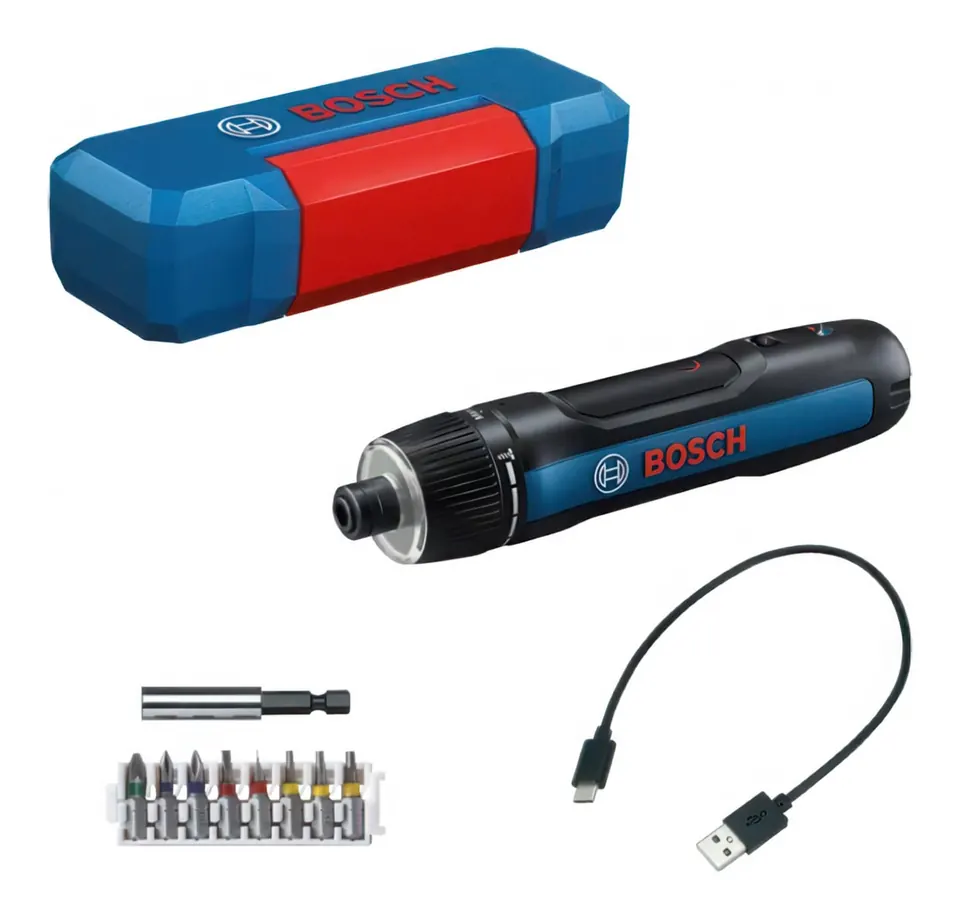
Bosch GO 3 Cordless Screwdriver
A compact powered driver with an adjustable clutch and an illuminating ring for the small assembly jobs that fill a workbench.
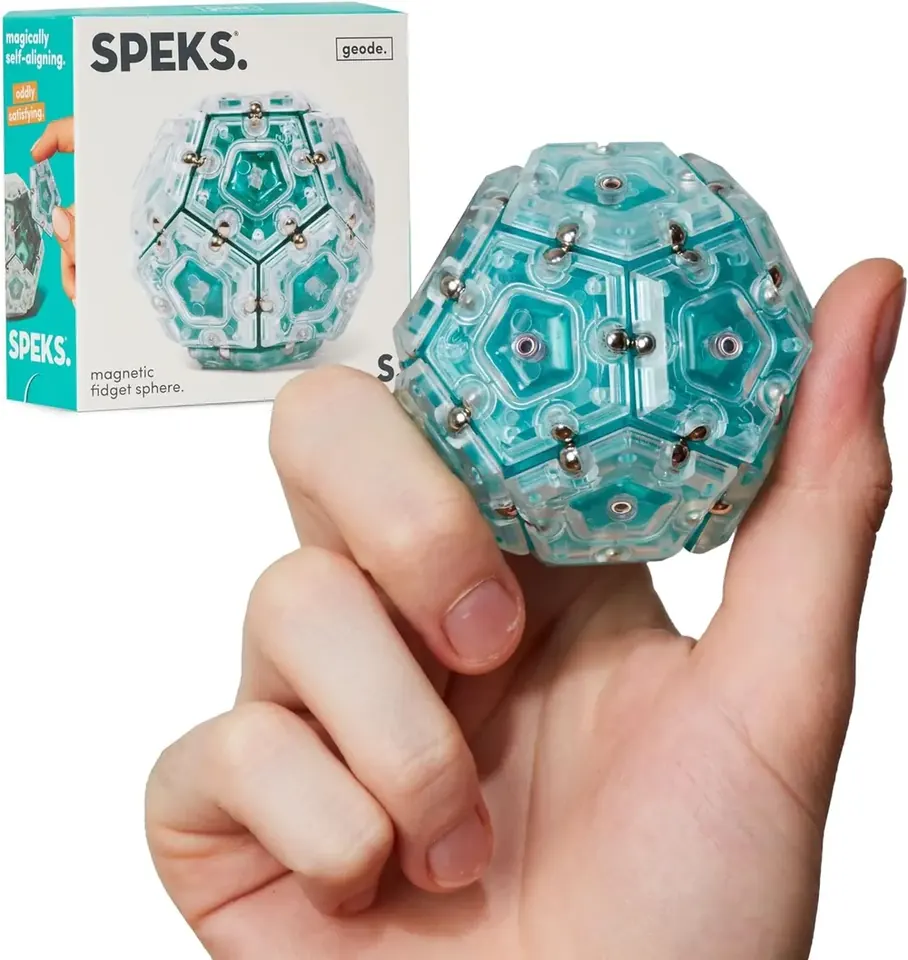
Speks Geode Magnetic Sphere
Faceted magnetic pieces become a sphere, a small sculpture or something new whenever your hands want a brief creative task.
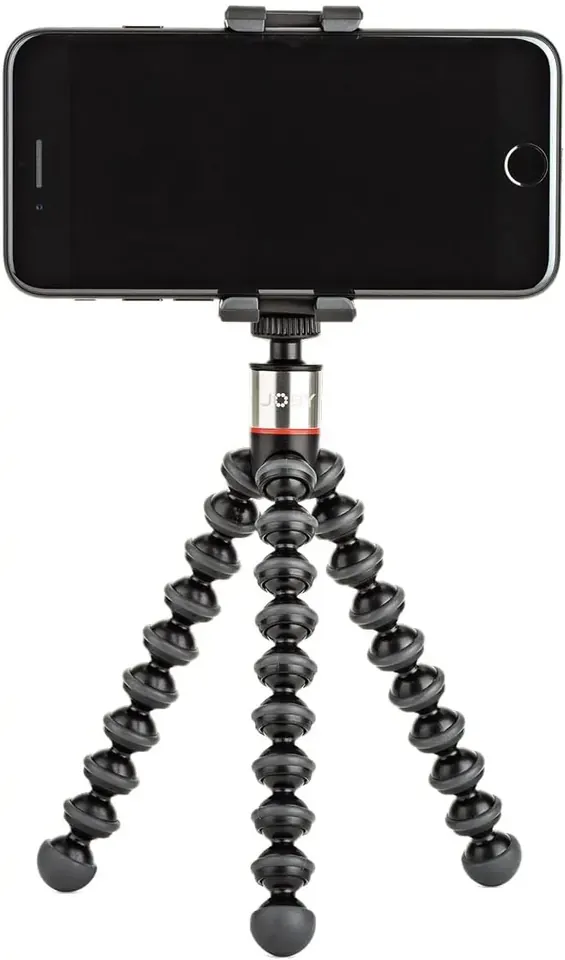
JOBY GripTight ONE GorillaPod
Flexible legs and a phone clamp give small photo sessions, video calls and tabletop viewing a more deliberate starting point.
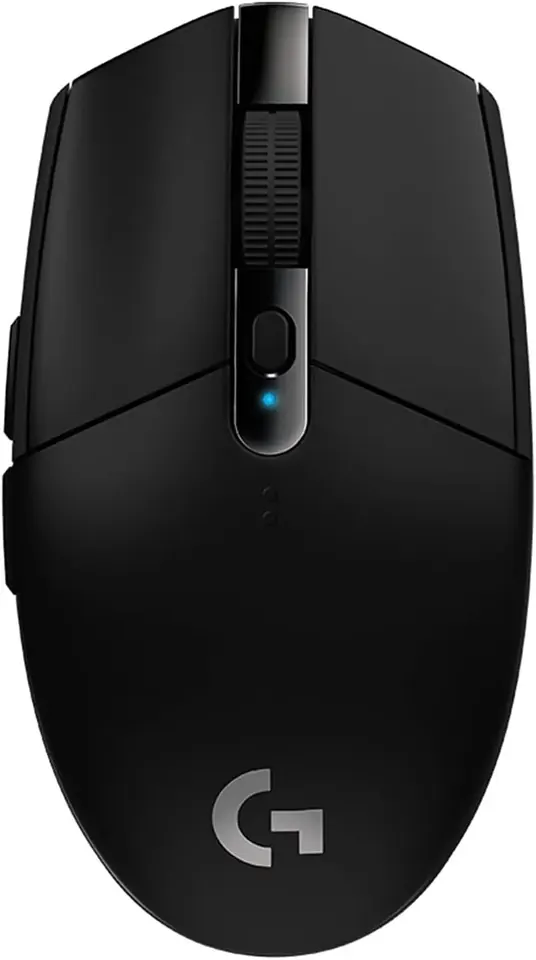
Logitech G305 LIGHTSPEED Mouse
A compact wireless gaming mouse with a HERO sensor, six programmable buttons and an AA battery you can replace without a charging break.
Comments
No comments yet. Add a useful question or share your perspective.